
Setting up Quassel Core and Client for distributed IRC client
Posted on October 16, 2020 by Cris
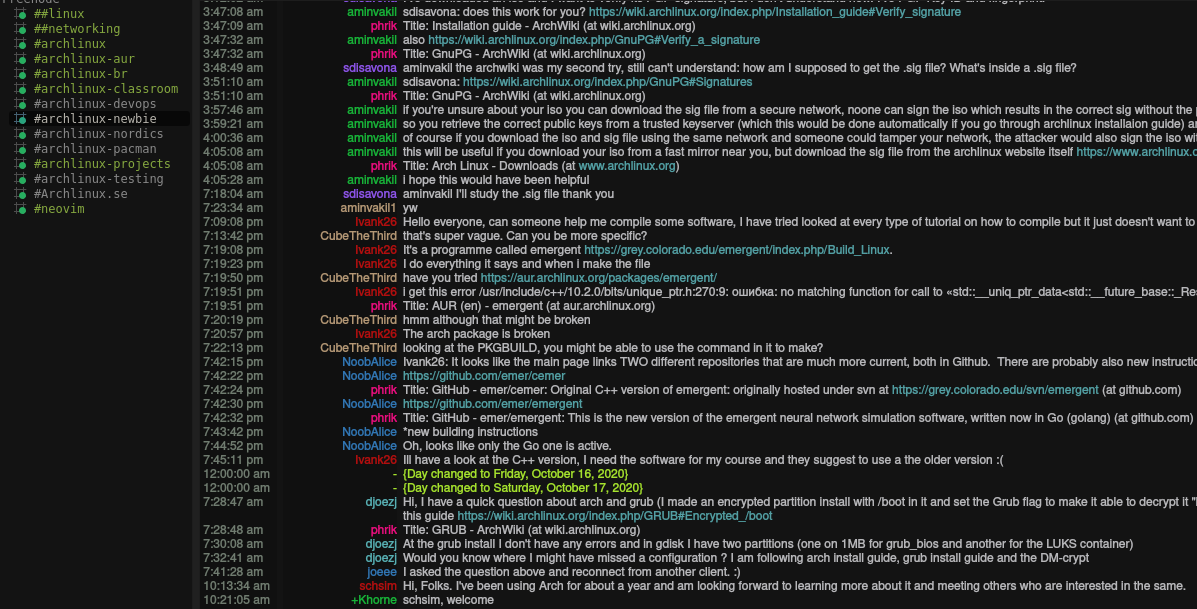
Quassel is a modern, cross-platform, distributed IRC client, in that way multiple clients can attach from a central core. IRC is popular among geeks of open source softwrare.
But there is problem, when you logged out from IRC channel, you miss the messages or updates that is currently happening there, but using IRC persistence, installing IRC Core that is a daemon IRC client, part of Quassel, that supports all time connectivity, in that way we can attach several IRC clients to it.
To this we'll need a VPS, you can choose a 5 bucks VPS, from linode, Alibaba, Azure ...
Quassel's packages
quassel-monolithicThis package is an IRC client for a single computerquassel-core:This package contains the core to attach multiple IRC clients at oncequassel-client:This package is a client that can be attached to a core IRC
As we can see, the core is the application that actually communicate with IRC networks, the client just communicate with the core, in that way, you can attach several clients without give any additional information or settings, giving the user the ease of having and IRC instance on multiple devices
On the server
We will need to install the following packages.
#pacman -S quassel-core postgresql
Setting up Core
It will be necesary to generate a certificate, if you are worried about security, we will setting up Client-Core SSL encryption using openssl,and then send it to the directory of quassel.
#openssl req -x509 -nodes -days 365 -newkey rsa:4096 -keyout /var/lib/quassel/quasselCert.pem -out /var/lib/quassel/quasselCert.pem
#chown quassel:quassel /var/lib/quassel/quasselCert.pem
SSL self-signed certificate
This is a self-signed certificate,so you can configure as you wish
-x509Tellsreqto create a self-signed certificate.-nodesTells not to encrypt the private key, short for "no Des",that is to say without using a passphrase-days 365Specifies that the certificate will be valid for 365 days-newkey rsa:4096Generates a private key using the RSA algorithm with a 4096-bit key length-keyoutThis gives the filename to write the newly created private key to the path-outThis specifies the output filename to write
Creating database
We will need to create a database and user for quassel, if we are using PostgreSQL, so we will to switch to the postgres user
#su - postgres
$psql
[postgres]$ psql -c "CREATE USER quassel WITH PASSWORD 'putSomePasswordHere';"
[postgres]$ psql -c "CREATE DATABASE quassel WITH OWNER quassel ENCODING 'UTF-8';"
Before that,you may need to open the port 4242 in you firewall, then start service
security groups it means, are default instances groups that your VPS belongs, and provide security and port access level, is a firewall for IaaSs, that contains ACLs (set of rules that filter traffic coming into and out of the VPS), you may need to configure this before, and change the inbound rules or add exceptions
#systemctl start quassel.service
#systemctl enable quassel.service
We could make additional configuration in the following file, for instance, if you want to change the default port, you can issue the following command
#quasselcore --configdir=/var/lib/quassel --port=4141
On the client
First, we need to install the client
#pacman -S quasselclient
Then we need to connect the core with the client, so we issued the command quasselclient

It will show a dialog box, where we'll add an account, and it will open another dialog box,as below
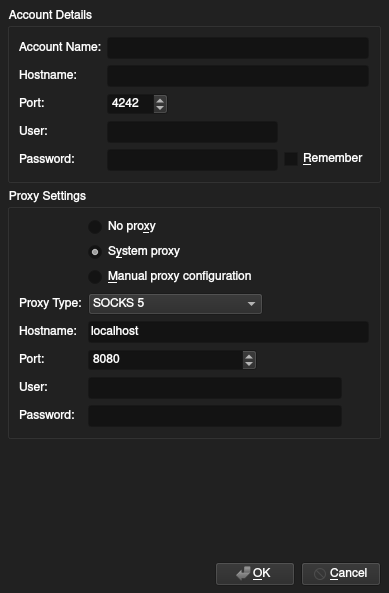
How to fill it?
Account Name:Some name to identify the core.Hostname:The IP address of your VPS.Port:The port you configure before, as default is set to 4242, but it can be changed in the coreUser:The user that you create for your database in the corePassword:The password issued for your database
Summary
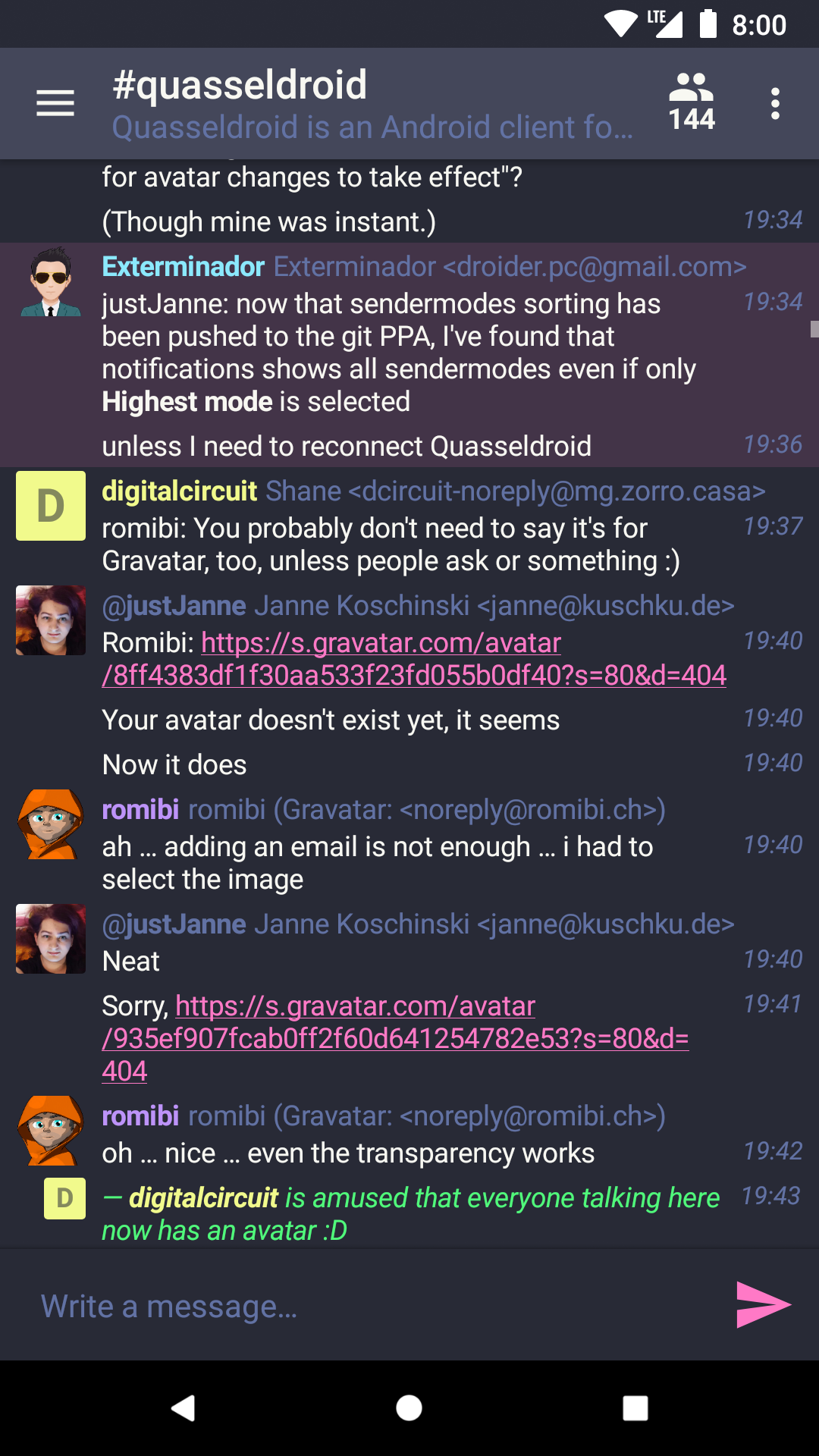
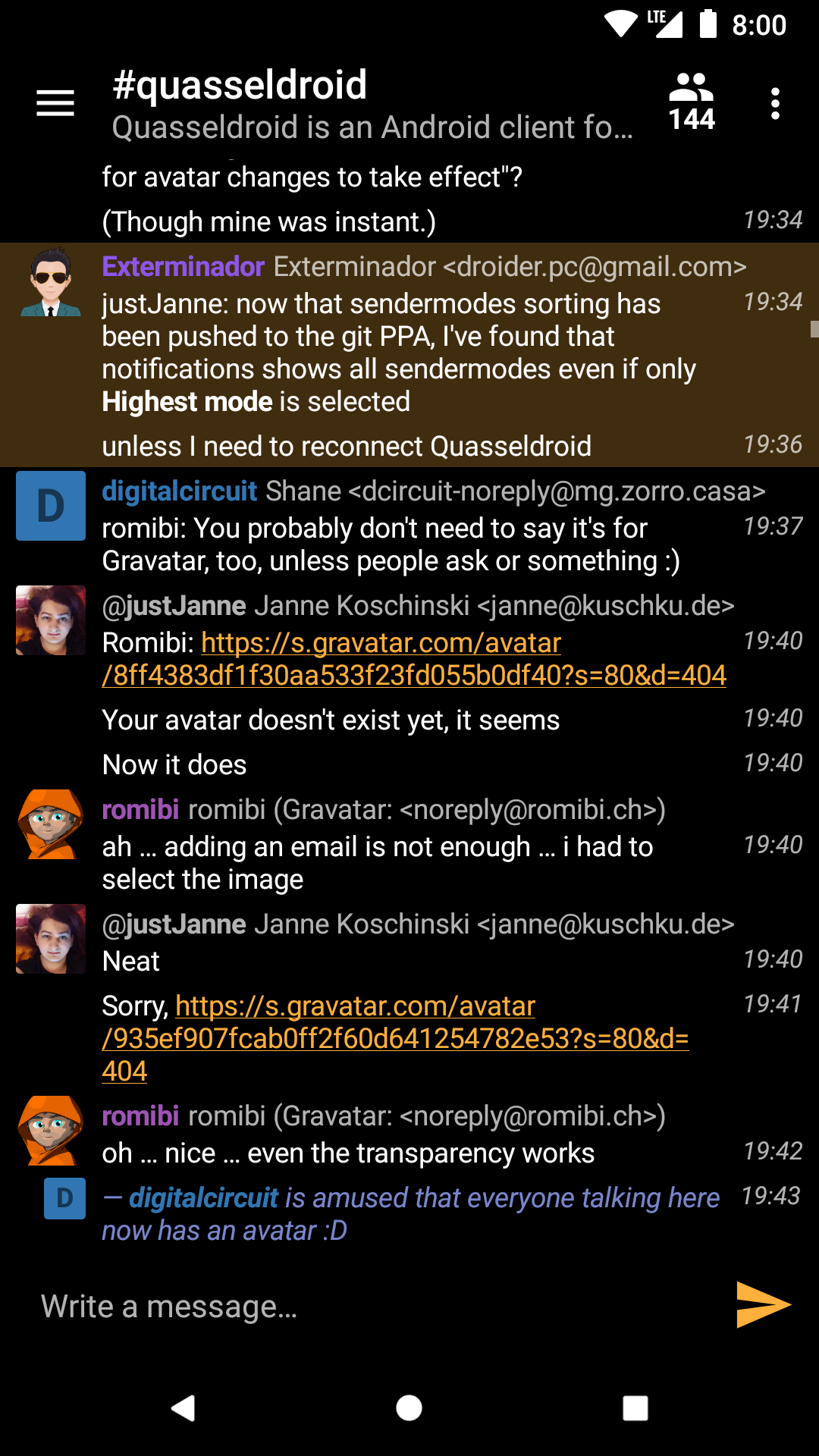
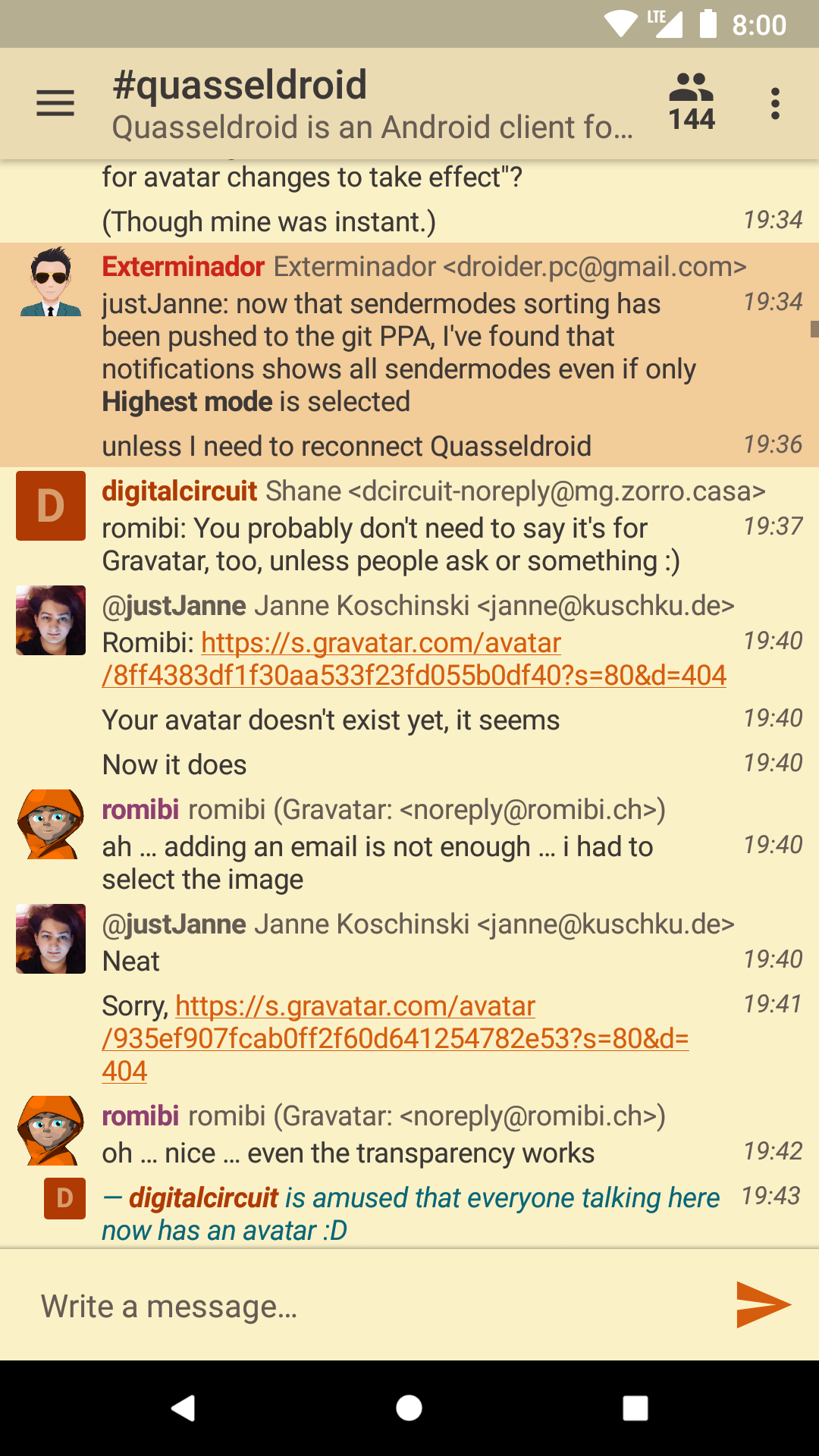
Also you can configure an android client through an app, currently I'm using QuasselDroid, I'm strongly recommend it, it also has fancy materials(themes), easy to configure and of course open source.