
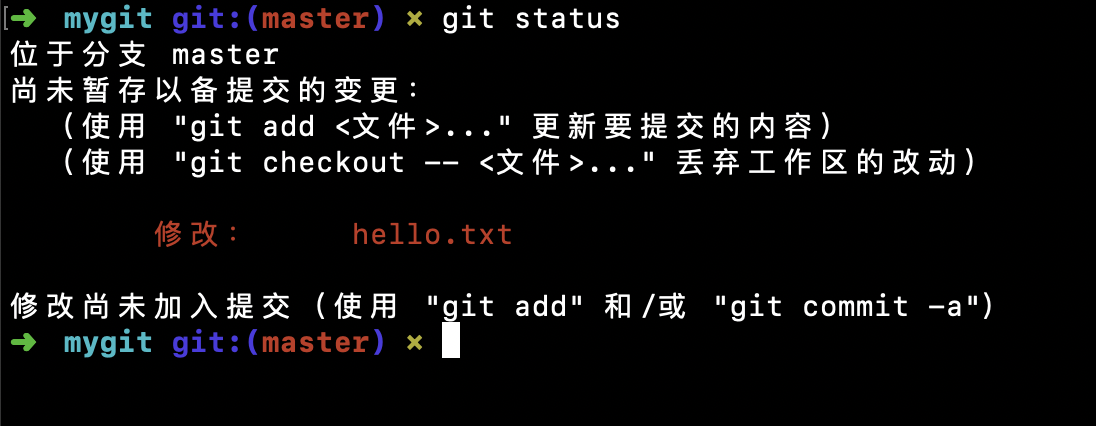
"Configuring Chinese Input with fcitx in Xmonad WM"
Posted on September 22, 2020 by Cris
Early this year I started to learn Chinese but when I try to write some 汉字,just for fun,but I didn't have the right input method so I search for info, specifically for my Window Manager, that is Xmonad, I didn't find anything but there are some related posts, and there's also Archlinux Wikiso lets begin
As Archlinux Wiki says,there is two main options, fcitx and Ibus, I preferred to go for fcitx, that is a lightweight input method framework and provides support to many non-latin characters.
Some considerations
Currently I'm working with Archlinux
 Linux kadel 5.8.10-arch1-1 #1 SMP HARDENED Thu, 17 Sep 2020 18:01:06 +0000 x86_64 GNU/Linux
                })
But it doesn't matter just for reference, because as you know we'll use pacman as package manager
First, We have to download some packages
#first we have to install fcitx and some related packages
sudo pacman -S fcitx fcitx-qt5 fcitx-googlepinyin fcitx-configtool
Reason for each package
- fcitx: a lightweight input method that support non-latin characters
- fcitx-qt5: Support for Qt5
- fcitx-googlepinyin: Googlepinyin wrapper for fcitx
- fcitx-configtool: An interface to configure fcitx
Adding Chinese Locales
Now we have to configure the environment, generating the locale variables for Chinese
$sudo pacman locale-gen zh-CN.UTF-8
Now we open the fcitx-configtool
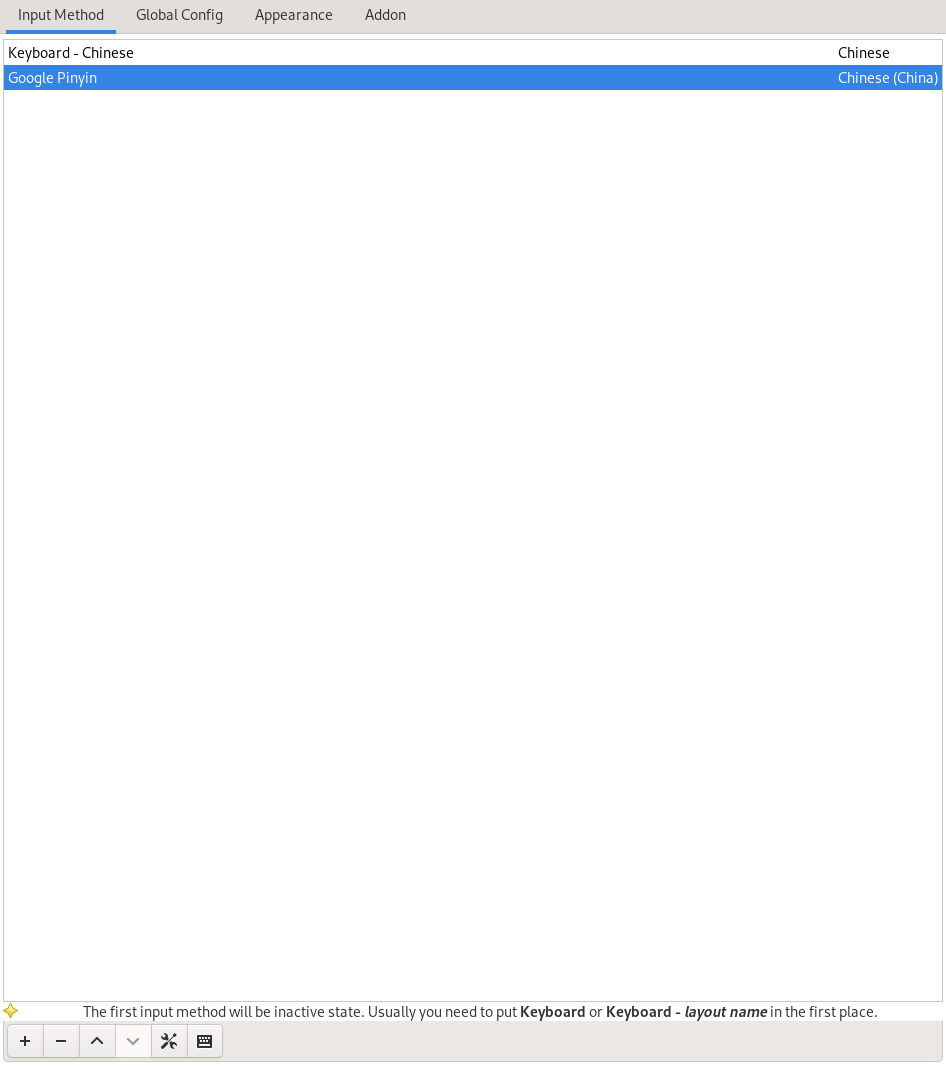
We add the "google-pinyin" input method
Setting environment variables for fcitx
I'm currently using lightdm so i need to add the following lines to /etc/profile, ~/.profile,/etc/xprofile or ~/.xprofile.
/etc/profile

'''
GTK_IM_MODULE DEFAULT=fcitx
QT_IM_MODULE  DEFAULT=fcitx
XMODIFIERS    DEFAULT=\@im=fcitx
'''
Now, we need to re-login, as I configure before C-S-o to quit
Note
Now, if fcitx doesn't start at the beginning, you may need to add some lines, if you are using openbox, just add fcitx & to your autostart file, or if your are using Xmonad, you may add
                      myStartupHook =do
                      spawOnce "fcitx &"
in you haskell.hs
For default to toggle between inputs, use Ctrl+Space, but it could be customized in fcitx-configtool